
Clear, simple pricing – no surprise fees.
We keep pricing straightforward so you always know what you’re paying for before any work begins.
Service Charge & Guarantee
A single upfront service charge — and if we can’t fix the issue, you don’t pay labour.
Service Charge — $49
Covers travel, on-site assessment, and initial diagnosis anywhere in Mandurah & surrounding suburbs.
No-Fix, No-Fee
If we cannot fix your problem or provide a clear solution, you only pay the Service Charge.
See Terms & Conditions for more information.

General Hourly Support
Our standard option for everyday issues that don’t require a full package. Ideal for quick fixes, diagnostics, or ongoing help across multiple devices.
General Troubleshooting — $89/hr
Billed in 30-minute ($44.50) increments after the first hour.
- Resolving Wi-Fi and network problems
- Device connection issues
- Email setup, password recovery, and account support
- Installing or updating software and apps
- Basic security checks and virus removal
- Helping with general settings and system errors
- Guidance and advice for hardware, software, and new devices
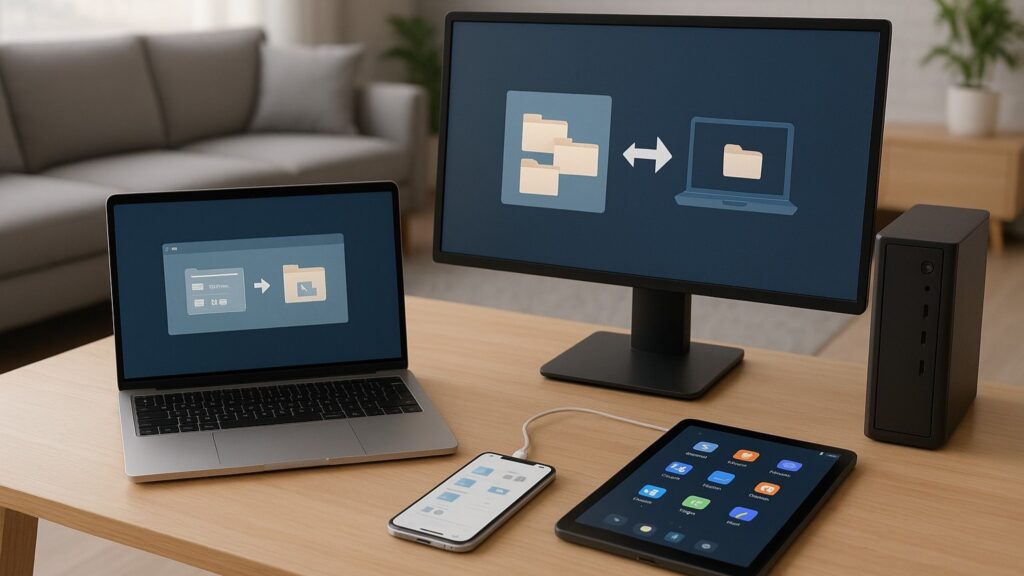
Fixed-Price Service Packages
These packages give you clear expectations and no hidden fees.
New PC Setup — $129
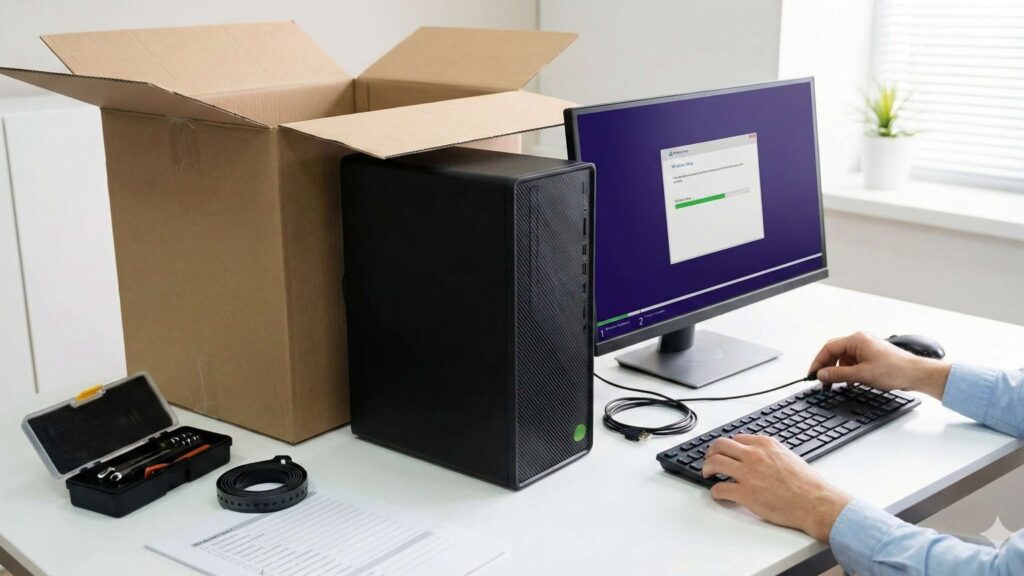
- Unboxing & physical setup
- Initial Windows configuration
- Install all Windows updates
- Install essential apps (Chrome, VLC, Adobe Reader, etc.)
- Remove bloatware and unwanted apps
- Optimise Windows Defender
- Email setup (Outlook/Gmail)
- Connect to Wi-Fi
- Sync OneDrive/Google Drive
- Transfer basic files (up to 50GB)
- Configure default apps
- Test printer (if already installed)
Cyber Safety Check — $119
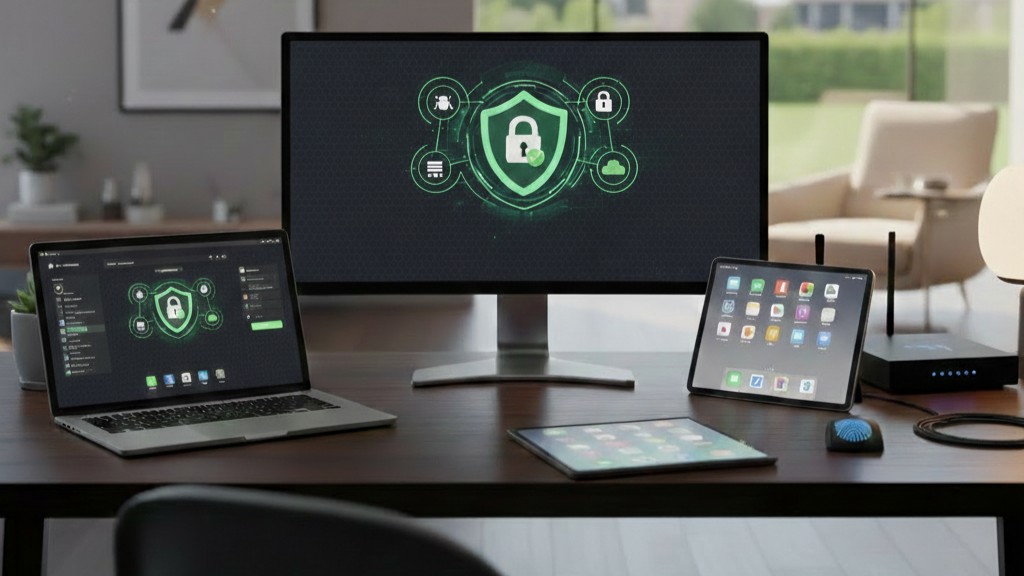
- Security health check (1 PC + 1 phone)
- Scam/phishing inbox review
- Set up multi-factor authentication
- Install password manager
- Check installed apps for risks
- Browser security setup
- Cyber safety overview
Basic Data Transfer — $69
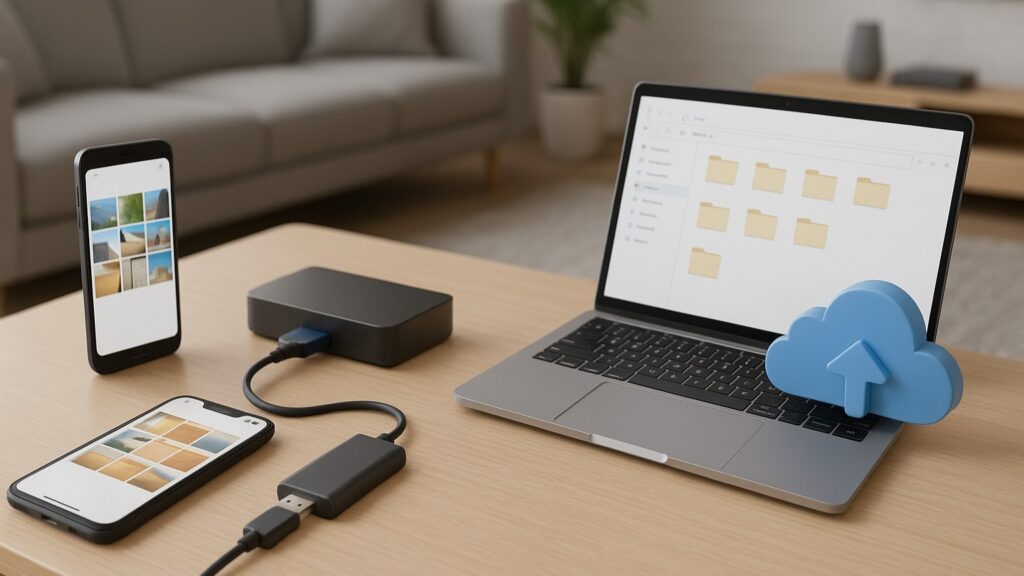
- Moving files between phones or computers
- Transfer your important files/photos
- Transfer via USB, SSD, or cloud
- Organise files/folders
- Verify everything transferred correctly
- Set up cloud backup after transfer
Printer Setup — $79
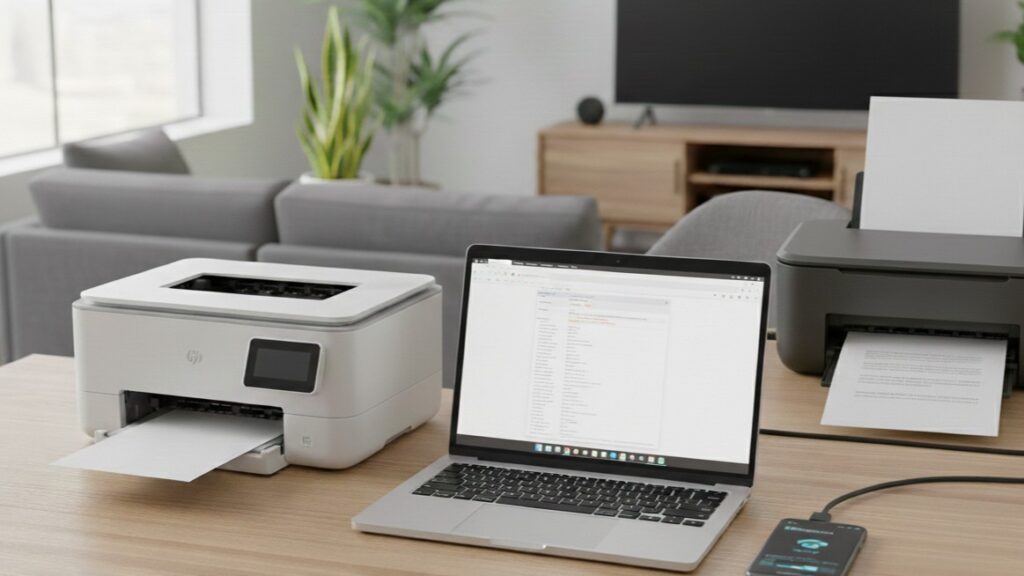
- Connect via Wi-Fi or USB
- Install drivers/software
- Set default printer
- Test print, scan and copy
- Add printer to up to 3 devices
- Quick tutorial on scanning to PDF or email
Wi-Fi Tune-Up — $119
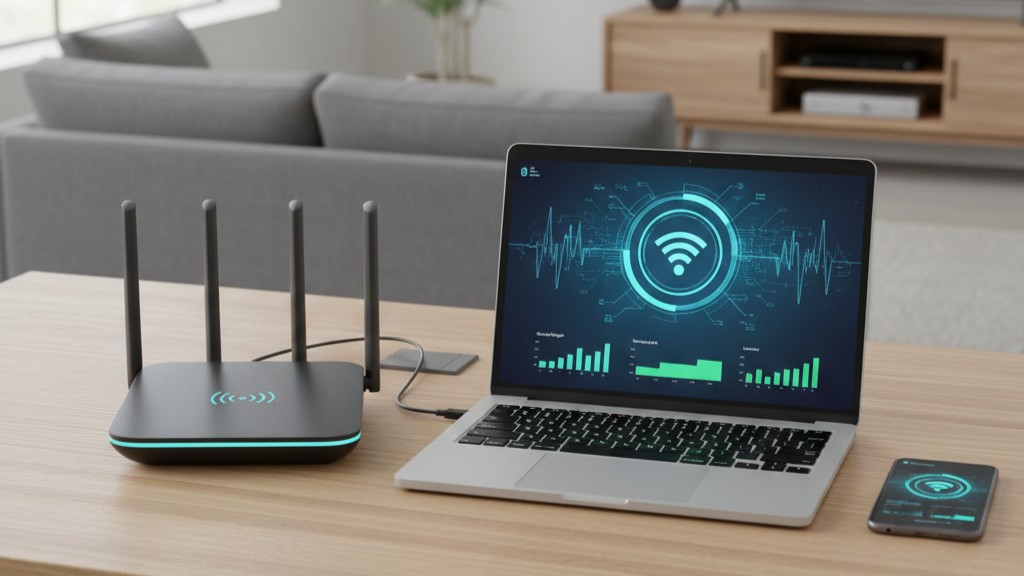
- Full Wi-Fi signal strength check
- Router placement optimisation
- Adjust router settings (channels, QoS, band steering)
- Connect essential devices (TV/laptop/mobile)
- Configuring existing extenders/mesh
- Check for interference
- Speed test (before & after)
- Upgrade recommendations if needed